

VFD
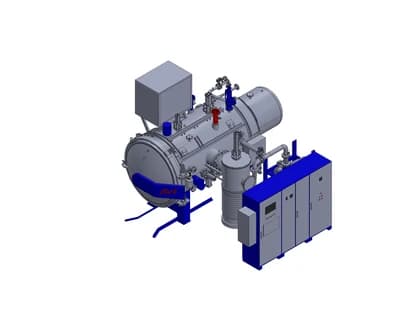
Vacuum Furnace Designer
Design the optimal furnace architecture based on customer specifications and requirements
See how it worksFor furnace manufacturers, heat treatment shops and plant engineers
Size the furnace, lay out the plant and plan the assembly on a 3D model. All in your browser.
New accounts are approved by our team, usually within 1 business day.
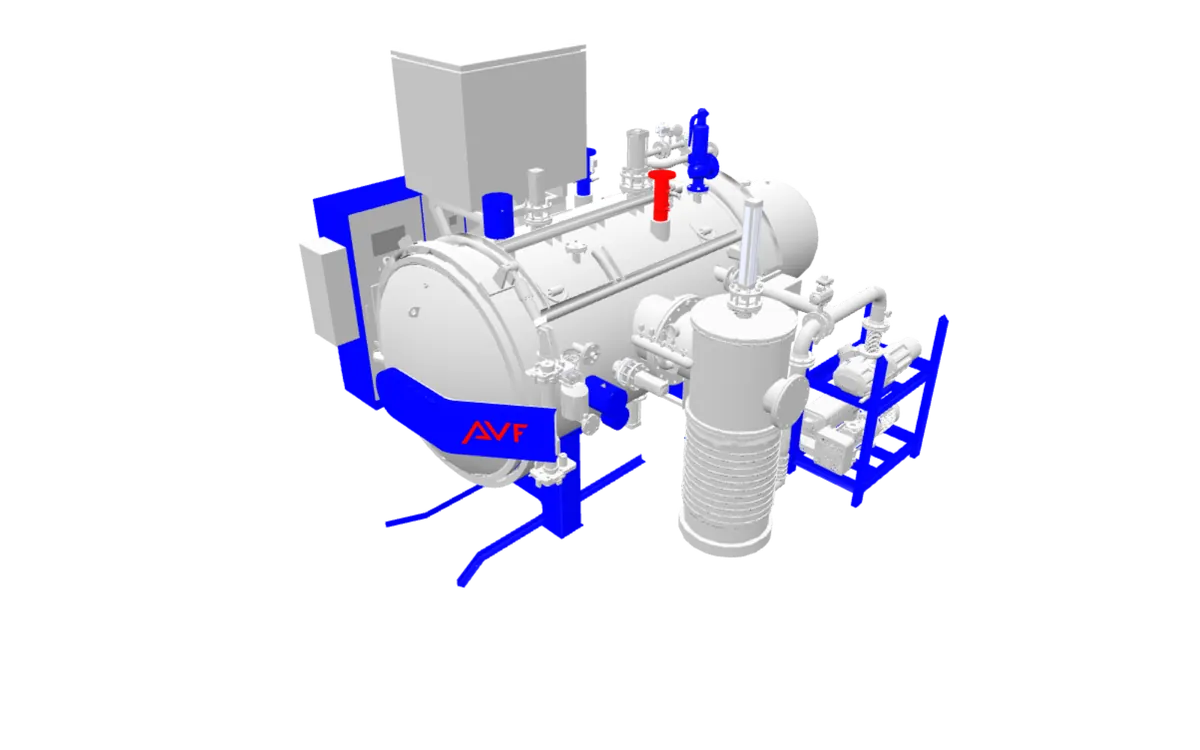
Three modules for one project: design the furnace, lay out the plant around it, then plan how it is assembled.
Design the optimal furnace architecture based on customer specifications and requirements
See how it works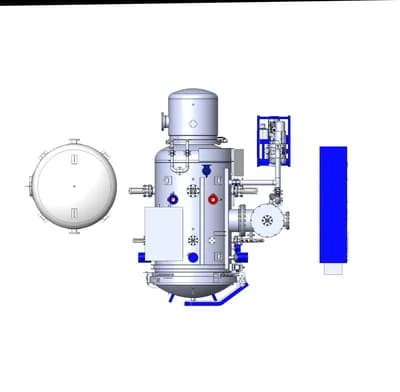
Plan and design complete heat treatment facilities with optimized layouts and workflows
See how it works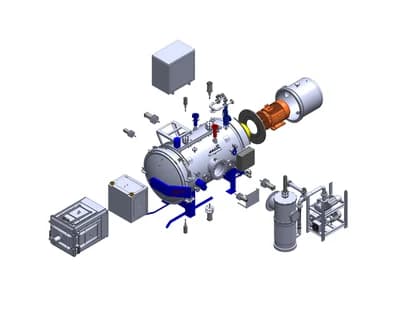
3D model, BOM and step-by-step assembly instructions for vacuum furnaces
See how it worksEach part of the 3D furnace model in VFA is matched with the products of the suppliers who offer it. Our team reviews every quote request; the offer comes straight from the supplier.
The same furnace data, seen from three sides.
You run vacuum furnaces every day and have to plan capacity and keep the furnaces available.
Modules: VFD · VHTPD · Memory Book
You are specifying a new furnace or a new line and have to justify the choice.
Modules: VFD · VHTPD · Project Planning
You build furnaces or supply their parts and have to answer enquiries with numbers.
Modules: VFD · VFA · Supplier Portal
The engineering assistant on every page of the platform answers about vacuum furnaces, heat treatment and your own records, in four languages. It never makes up figures: sizing comes from the VFD and VHTPD engines.
Describe a furnace or a plant: Vacuo asks for what is missing, runs the engine and fills in the VFD or VHTPD form in one click.
Ask about a part: Vacuo shows it on the 3D model, tells you who stocks it, and opens the quote window or adds it to the cart.
Ask about your work: quote requests and orders, the best offer for a part, overdue maintenance, faults and the plant layout.
It saves and sends nothing on its own: every answer ends in a button you press.
The same tasks, done by hand and done in SmartFurnace.
| Task | With spreadsheets and e-mail | In SmartFurnace |
|---|---|---|
| Furnace sizing | Look up the load, alloy and temperature in catalog tables and work out the size and power in a spreadsheet. | Enter the process, alloy, temperature, load weight and quench pressure; VFD recommends a catalog model and shows why it was chosen. |
| Plant utilities sizing | Add up power, cooling water and gas demand furnace by furnace, and redo the sheet when the fleet changes. | VHTPD calculates the transformer, the cooling units and the nitrogen buffer tank for the fleet you enter and lists its warnings. |
| Layout drawing | Draw the hall and the equipment in CAD and check the clearances by eye. | Place furnaces and auxiliary equipment in a 3D hall; overlaps, service clearances, door access and escape distance are flagged, and the layout exports as DXF. |
| Assembly documentation | Keep a paper manual, 2D drawings and a separate parts list consistent with each other. | VFA shows the furnace on a 3D model with exploded and section views, part details and a PDF report. |
| Quote and status follow-up | Ask each supplier by e-mail or phone and track the answers and the order status in a spreadsheet. | Send quote requests from one cart and follow each request and each project step by its status, with notifications. |
SmartFurnace is developed by AVF (20 Rue du Professeur Benoit Lauras, 42000 Saint-Étienne).
About AVFThe application and your data run on servers in Germany (European Union) that we manage ourselves.
Each company sees only its own projects. Team members have roles, and the Viewer role is read-only. New sign-ups are approved by our team before the first sign-in; colleagues join a company by invitation.
How we process personal data: GDPR Notice and the Privacy Policy page.
Create a free account to use the furnace designer, or take the product tour first.
New accounts are approved by our team, usually within 1 business day.